Patch Test New Skincare Products in 5 Simple Steps

Your guides through the skincare chaos

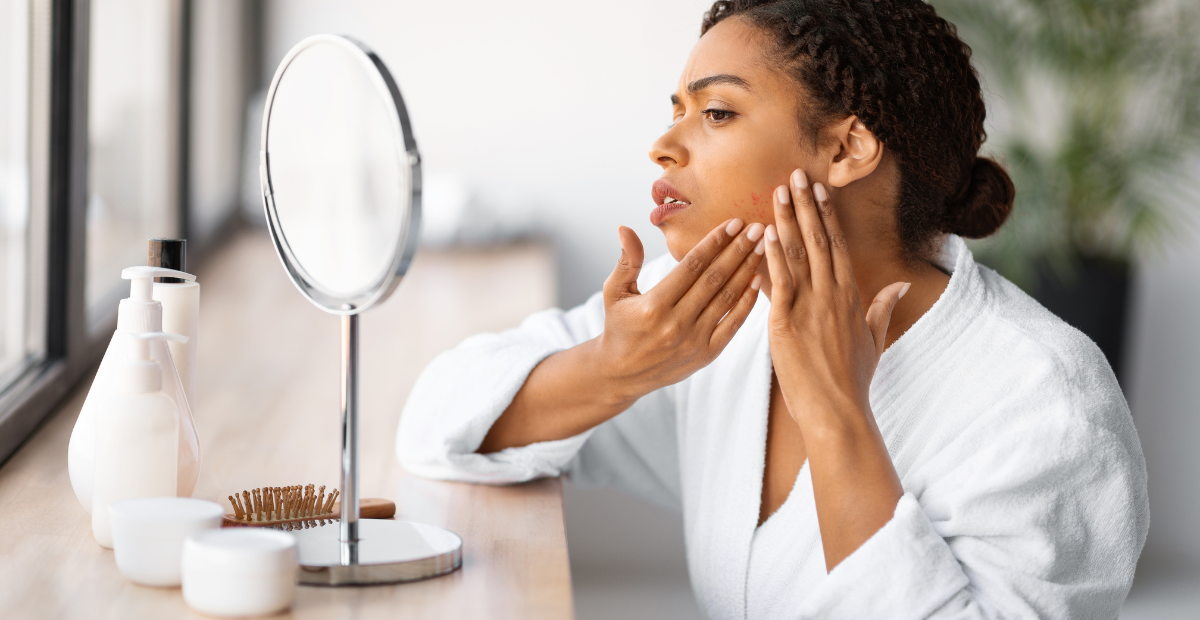
Here’s a question for you: if you think you don’t have time to patch test new skincare products, how comfortable are you with breaking out unexpectedly? Some redness? Maybe a little burning? Because if you skip the patch test, this is what might be in the cards.
Of course, there’s no guarantee you’ll break out from the next beauty product you try. Skincare is formulated to be safe for the skin, so the risk of a bad reaction isn’t that high. However, every person is different, and what works perfectly well for your friend’s skin might cause complications for yours.

It’s better to be safe than sorry, especially if your peace of mind costs nothing more than five simple steps before you start using a product in earnest.
Rule #1: Never skip a skin patch test
Actually, before we start, here’s a tip: never try new skincare products less than 48 hours before an important event…unless you’re comfortable showing up with red, irritated skin. With that out of the way, let’s discuss what makes patch testing so important.
A skincare patch test helps you predict how your skin will react without turning your face into a science experiment.
Think about it. Any skincare product is a mix of chemicals designed to improve the state of your skin. And while nine out of ten beauty products won’t cause any severe adverse reaction on your face, that one outlier can have an ingredient or two that easily ruins your day.
That doesn’t make those ingredients inherently bad—it only means they’re triggering for your skin, especially if it’s sensitive.
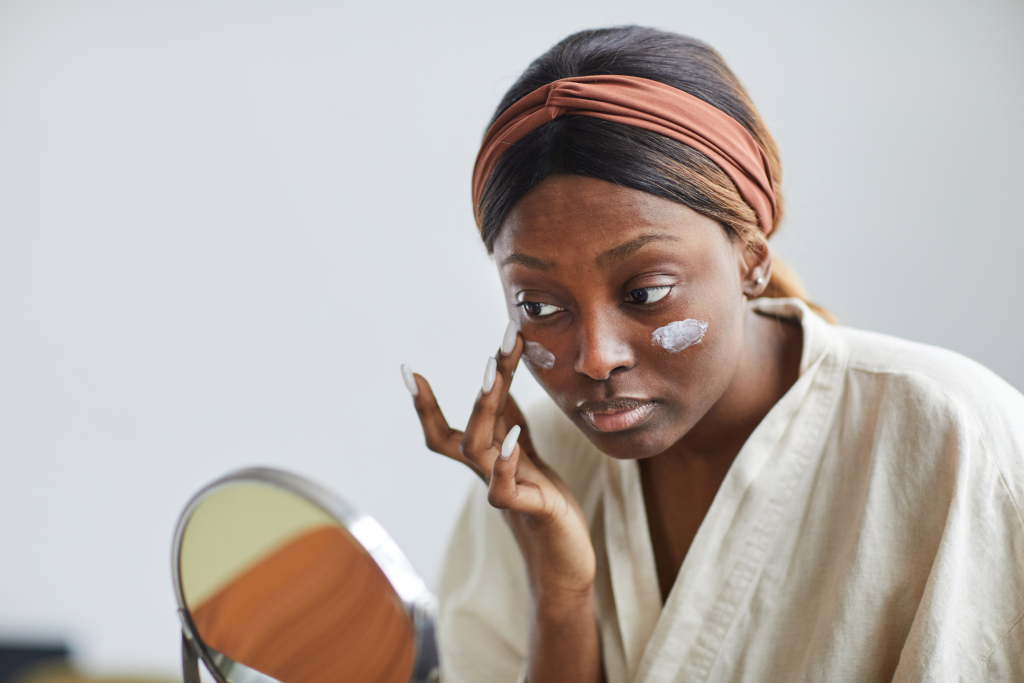
> Bonus tip: Don’t be fooled by labels. Even “natural” skincare can contain ingredients that your skin won’t like. Better stay on top of this and check each new product with a skincare scanner app.
What can a skin patch test reveal?
There are two major issues you can avoid if you patch test new skincare products.
- Irritant contact dermatitis: not an allergy. It happens when an irritant damages the skin’s protective layer, causing stinging, burning, or red, peeling patches.
- Allergic contact dermatitis: an allergy. It occurs when a substance you’re sensitive to (an allergen) triggers an immune reaction, typically causing redness, bumps, and itching within 24–72 hours (or sooner).
> Bonus tip: If you have a history of eczema or rosacea, you should always do a skin patch test. Better yet, run the product by a dermatologist.
Next: Gather the supplies
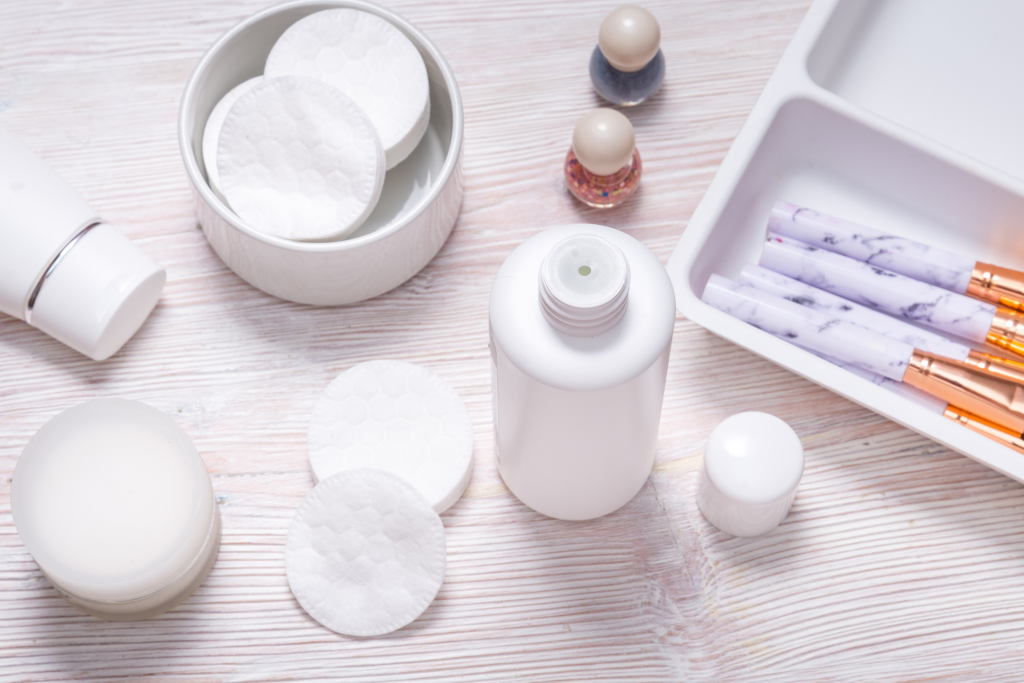
You don’t need to buy any special supplies to patch test new skincare products. In fact, you probably already have everything you need at home.
Your supply list:
- New product
- Gentle, fragrance-free cleanser
- Small bandage or gauze pad (optional, for leave-on products)
- Marker or pen (to mark the area)
- Your phone (for tracking progress)
Pick your test site:
- Behind your ear (discreet and sensitive)
- Inner forearm (easy to see and cover)
- Just below your jawline (closest to facial skin)
Remember to avoid the eye area, lips, and any broken or inflamed skin.
> Bonus tip: Choose a spot you can avoid shaving or scrubbing for at least 5 days.
5 steps to patch test new skincare products
This is a universal method. It works for serums, moisturizers, sunscreens, cleansers, and any other skincare product you might bring home.
Step 1. Clean and mark the test area
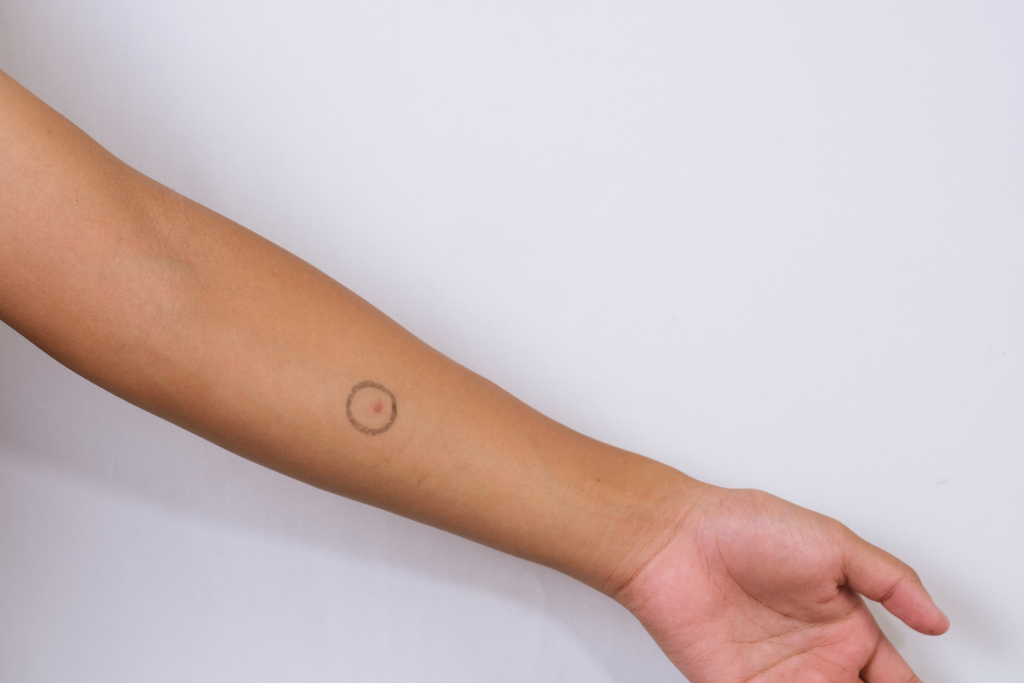
Wash the spot with your gentle cleanser and pat dry. No other products are allowed on that area for the next few days. Draw a 1-inch circle with a pen or marker.
Step 2: Apply the product
Squeeze out a pea-sized amount (or less). Spread it in a thin layer over the skin inside the circled area. For rinse-off products like cleansers, apply, leave for 5 minutes, then rinse gently.
Step 3: Cover (optional, for leave-on products)
Place a small bandage over the area to keep the product from rubbing off. This mimics an “occlusive patch test,” which dermatologists often use to detect stronger reactions.
Step 4: Wait and observe
First 15–30 mins: Look for immediate stinging, burning, or hives. If that happens, wash the product off immediately.
24 hrs (1 day) later: Remove the bandage. Check for redness, swelling, or bumps, especially if the reaction spreads beyond the circled area.
48 hrs (2 days) later: Check again. Many allergies take two full days to appear.
96 hrs (4 days) later: Do a final check. Some reactions are delayed.

> Bonus tip: Take a picture of your test spot each morning. That way, you’re not guessing whether it’s gotten redder.
Step 5: Interpret your results
All clear: No redness, no itch, no bumps → you’re likely safe to use the product as directed.
Mild redness without itch: Try again on a different spot. If the reaction isn’t worse → slowly introduce the product to your face. Or, look for a formula with a lower concentration of the active ingredient (sometimes the case with some acids or retinoids).
Itching, swelling, blisters, or spreading redness: Stop immediately. This may indicate an allergic reaction. Wash the area with cool water and a mild cleanser. If it doesn’t improve or gets worse, call your doctor.
> Bonus tip: Never test more than one product at a time. If you do, you won’t be able to tell which one caused the reaction.
When to call a doctor
Most reactions you get when you patch test new skincare products are mild and go away on their own. But in rare cases, things can escalate.
Here are the signs that tell you it’s time to stop testing and see a doctor:
- Swelling that spreads beyond the test spot
- Blisters or oozing
- Difficulty breathing (extremely rare but possible with severe allergies)
- A rash that doesn’t improve after 5 days

And remember: If you have a known severe allergy (like to nuts or certain preservatives), read every ingredient label thoroughly. A patch test will not prevent an anaphylactic reaction—your only safe option is to avoid the allergen entirely.
Key takeaways
- Patch test new skincare products before applying them to your face.
- Test for 4 days: check at 30 mins, 24 hrs, 48 hrs, and 96 hrs.
- Stop immediately if you see itching, swelling, or blistering.
- Never test two new products at once.
- Go slow with active ingredients like retinol or acids.
- See a doctor if your reaction worsens.


-
1.
Sensitive skin: review of an ascending concept. (2017). https://pmc.ncbi.nlm.nih.gov/articles/PMC5595600/#sec3
-
2.
Are 'natural' skin products irritating your skin? (2022). https://med.stanford.edu/news/insights/2022/12/are-natural-skin-products-irritating-your-skin.html
-
3.
Contact dermatitis. (2024). https://www.mayoclinic.org/diseases-conditions/contact-dermatitis/symptoms-causes/syc-20352742

You May Be Interested In
View All